Honest comparison
PhotoEditRocket vs
the rest.
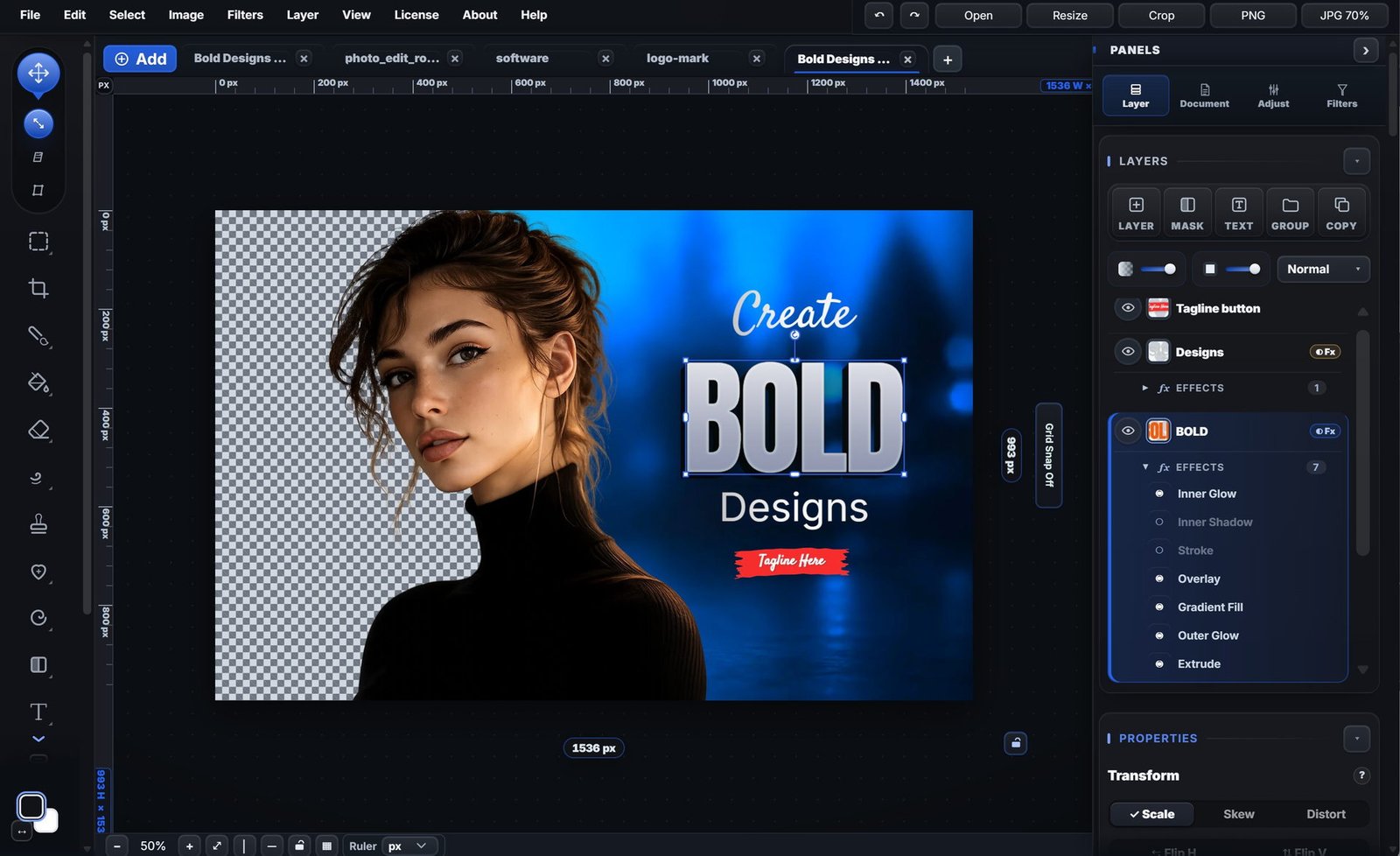
If your day is layers, masks, type, and shipping graphics — here's exactly where PhotoEditRocket slots in.
Feature by feature
PhotoEditRocket vs other design tools
| Feature | PhotoEditRocket | Subscription pro editor | Browser template tool |
|---|---|---|---|
| Typical price | $99.99 once | ~$22/mo (varies) | ~$15/mo (varies) |
| Real layers & blend modes | ✓ | ✓ | Limited |
| Layer masks | ✓ vector + paint | ✓ | Limited |
| PSD import | ✓ import* | ✓ native | Partial |
| Pen / Bezier tool | ✓ | ✓ | Basic shapes only |
| Typography effects | ✓ grad, outline, path | ✓ | Limited |
| Works offline | ✓ fully | Limited | ✗ |
| Your files stay local | ✓ | Vendor cloud sync | Cloud only |
| Runs in browser | Any modern browser + installable PWA | Native only (Win / Mac) | Web / mobile |
| Bonus templates | Starter library included | Varies by tool | ✓ large library |
| Learning curve | Moderate (industry-standard) | Steep | Easy but limited |
| Subscription required | No | Yes | Yes |
* PSD import — PhotoEditRocket opens PSD files three ways: rasterized (the closest visual match to the original), editable layers, or a flattened image. Your file comes in very close to the original and keeps layers, masks and text where possible.
Also worth considering
vs other one-time-purchase desktop editors
| Feature | PhotoEditRocket | Premium desktop editor | Open-source desktop editor |
|---|---|---|---|
| Price | $99.99 once | $69.99 once | Free |
| Runs in browser | ✓ | ✗ | ✗ |
| PSD import | ✓ import* | ✓ excellent | Partial |
| UI modernity | Modern dark | Modern | Dated |
| Bonus templates | ✓ built-in starter library | Marketplace | ✗ |
Head to head
PhotoEditRocket vs each kind of editor
The short version of every comparison, in one place.
vs Subscription Photo Editors. Real layers, no subscription.
The industry-standard editor comes with a recurring monthly bill. PhotoEditRocket is one payment, with real layers and masks.
- Pay once, not every month — A one-time commercial licence at $99.99 instead of an ongoing subscription. The editor itself is free.
- Real layered editing — Layers, masks, groups and blend modes for non-destructive compositing — the depth you expect from a pro editor.
- Browser-first — Start editing instantly in any modern browser, then use the same editor as a desktop app on Windows, Mac or Linux.
vs Cloud Design Tools. Real editing, not just templates.
Great for quick template graphics, but your files live on their servers and real layers are limited.
- Actual layers & masks — Composite, mask and blend like a pro editor — not just stack template elements.
- Offline & private — Work without an internet connection; your files stay on your device, not in the cloud.
- One-time price — Commercial use costs $99.99 once, instead of an ongoing Pro subscription. Personal use is free.
vs free open-source editors. The friendlier layer editor.
Free and capable, with dated interfaces and no browser version.
- Faster to learn — A clean, modern interface designed for everyday editing — no steep ramp-up.
- Templates & quick starts — Begin from ready-made layouts instead of building everything from scratch.
- Browser + desktop — Edit instantly online or in the installed app on Windows, Mac and Linux.
vs open-source paint apps. Built for photos and design.
Superb free tools for digital painting; photo editing and layout are not what they are for.
- Photo-first tools — Retouching, masking, color and compositing built for photographs — not just painting.
- Design & templates — Ready-made layouts for thumbnails, ads, listings and social posts.
- Pay once, no subscription — The app is a free download; a one-time $99.99 covers commercial use — no monthly fees.
vs the rest. One editor, one price.
Online tools, free apps and subscription suites — here is where PhotoEditRocket sits among them.
- Free download, one-time licence — The online and offline editors are both free to use; commercial use is a single $99.99 payment instead of a subscription — rare among full-featured editors.
- Browser + offline — Edit instantly online, and keep working offline with files that stay on your device.
- Real depth — Layers, masks, blend modes and type — not just filters and templates.
Who it's for
Pick the right tool.
PhotoEditRocket is right for you if…
You're a designer shipping thumbnails, EBC, social, brand graphics, mockups, product shots — and you want real layers, real type, and no monthly bill.
Consider a subscription pro editor if…
You need the deepest RAW processing, advanced 3D/video workflows, or you're already in a team environment with a shared subscription suite.
Consider a browser template tool if…
You only need to swap copy on premade templates and post straight to social.
Consider a premium desktop editor if…
You want the deepest PSD fidelity in a one-time-purchase desktop app and you're comfortable spending $69.99 upfront.
Open it in your browser and decide.
Try the full editor free online — every tool, all layers, no sign-up, no watermark.
photoeditr.app — live editor Open full editor →