Best image editors for graphic designers · 2026
Best image editors for
graphic designers.
A clear, honest ranking of image editors for graphic design — layers, blend modes, type, vector shapes, masks. PhotoEditRocket tops the list as a no-subscription, layer-based editor that runs in the browser and on desktop. Try free online; $19.99 to download & own.
One-time payment of $19.99 — no subscription. Price in USD and includes any applicable VAT or sales tax — nothing is added at checkout. EU/UK consumers have a statutory 14-day right of withdrawal — our 30-day money-back guarantee goes further. By continuing to checkout you agree to our Terms · Refunds and License.
⏳ Limited-time introductory price — increases to $34.95. 30-day money-back guarantee. Price in USD, VAT included.
What to look for
What graphic designers should look for
The core toolset behind real layout, composition and brand work.
Layers & blend modes
Build complex compositions non-destructively — the foundation of design work.
Type & vector shapes
Set headlines, lay out type and add scalable shapes and icons.
Layer & vector masks
Combine images cleanly with reversible masking.
Templates & exact sizes
Start fast and export at the dimensions each channel needs.
The shortlist
The best image editors for graphic designers, ranked
Each option suits a different budget and workflow — here's how they compare.
Ranked for this use case in our opinion, last reviewed June 2026. Competitor features and pricing change often — verify current details on each product's official website.
1. PhotoEditRocket
Best no-subscription layer editor
Real layers, blend modes, masks, type, vector shapes and templates — free online in the browser, no account. Download the offline app for Windows, Mac & Linux for $19.99 once. Focused on layered raster/design work rather than full print/CMYK pre-press.
2. A subscription pro raster editor
Industry-standard compositing
The professional standard for raster design and retouching with a huge plugin and tutorial ecosystem. Trade-off: ongoing subscription cost.
3. A subscription vector illustration app
Best for logos & vector art
The go-to for logo and vector illustration. Pair with a raster editor for photographic work; subscription-based.
4. A one-time-purchase design suite
Owned license, pro features
A capable design/illustration suite sold as a one-time purchase. Desktop-only, with no free-to-keep browser editor.
5. A browser template tool
Fastest for quick templates
Great for fast, template-driven graphics and team sharing. More limited on real layers, masking and PSD; typically subscription for full features.
Side by side
PhotoEditRocket vs. typical graphic-design tools
A general, category-level comparison — verify current details with each vendor.
| Feature | PhotoEditRocket | Subscription pro editor | Browser template tool |
|---|---|---|---|
| Price | $19.99 once | ~$22/mo (varies) | ~$15/mo (varies) |
| No subscription | ✓ | ✗ | ✗ |
| Real layers & blend modes | ✓ | ✓ | Limited |
| Type & vector shapes | ✓ | ✓ | Limited |
| Layer & vector masks | ✓ | ✓ | Limited |
| Open / import PSD | ✗ | ✓ | ✗ |
| Runs in the browser | ✓ | Partly | ✓ |
| Owned, one-time license | ✓ | ✗ | ✗ |
Comparison is for general guidance only; categories of tools vary and pricing changes often. See the full comparison →
Made for your work
Why graphic designers pick PhotoEditRocket
Where an owned, local-first editor fits design work.
Real layer-based design
Layers, masks, type and shapes — not just templates.
Download to own for $19.99
Try the online editor free. No subscription, no auto-renew, no lockouts.
Browser + desktop
Same editor on the web and on Windows, Mac & Linux.
Private & offline
Your client work stays on your device.
Type & text effects
Rich typography, text effects and pen/vector tools for logos, layouts and brand graphics.
Ready-made template library
Kick off logos, business graphics and conversion-focused layouts instead of a blank canvas.
Templates
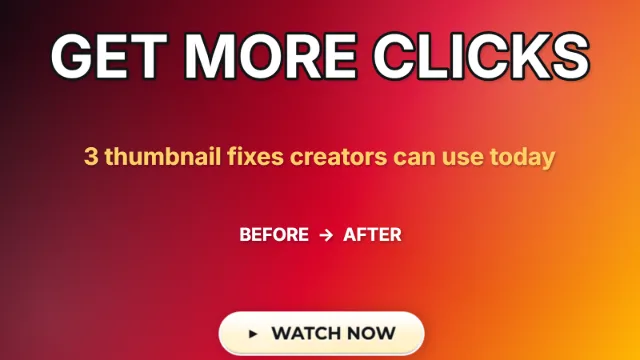
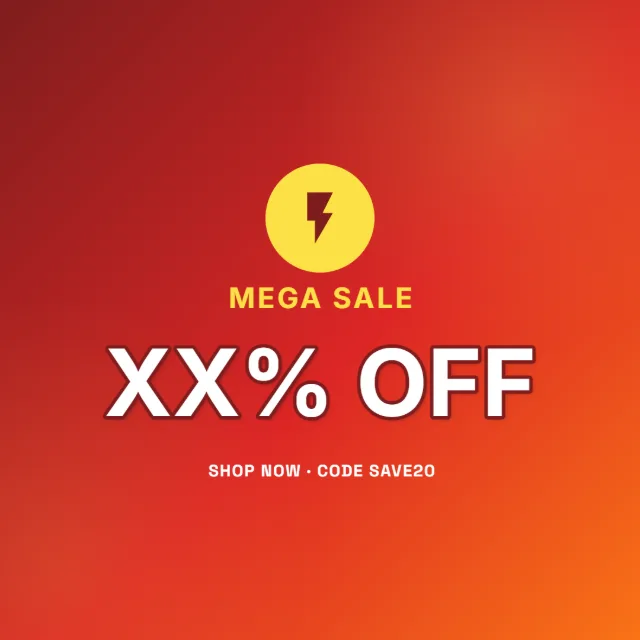
Templates to start from
Layouts you can take apart and rebuild.






Try the graphic designer's editor free.
No signup, no account, no subscription. Try the full editor free online — no watermark. Want it offline? The $19.99 download gives you the install-free app for Windows, Mac & Linux, yours for life.
photoeditr.app — live editor Open full editor →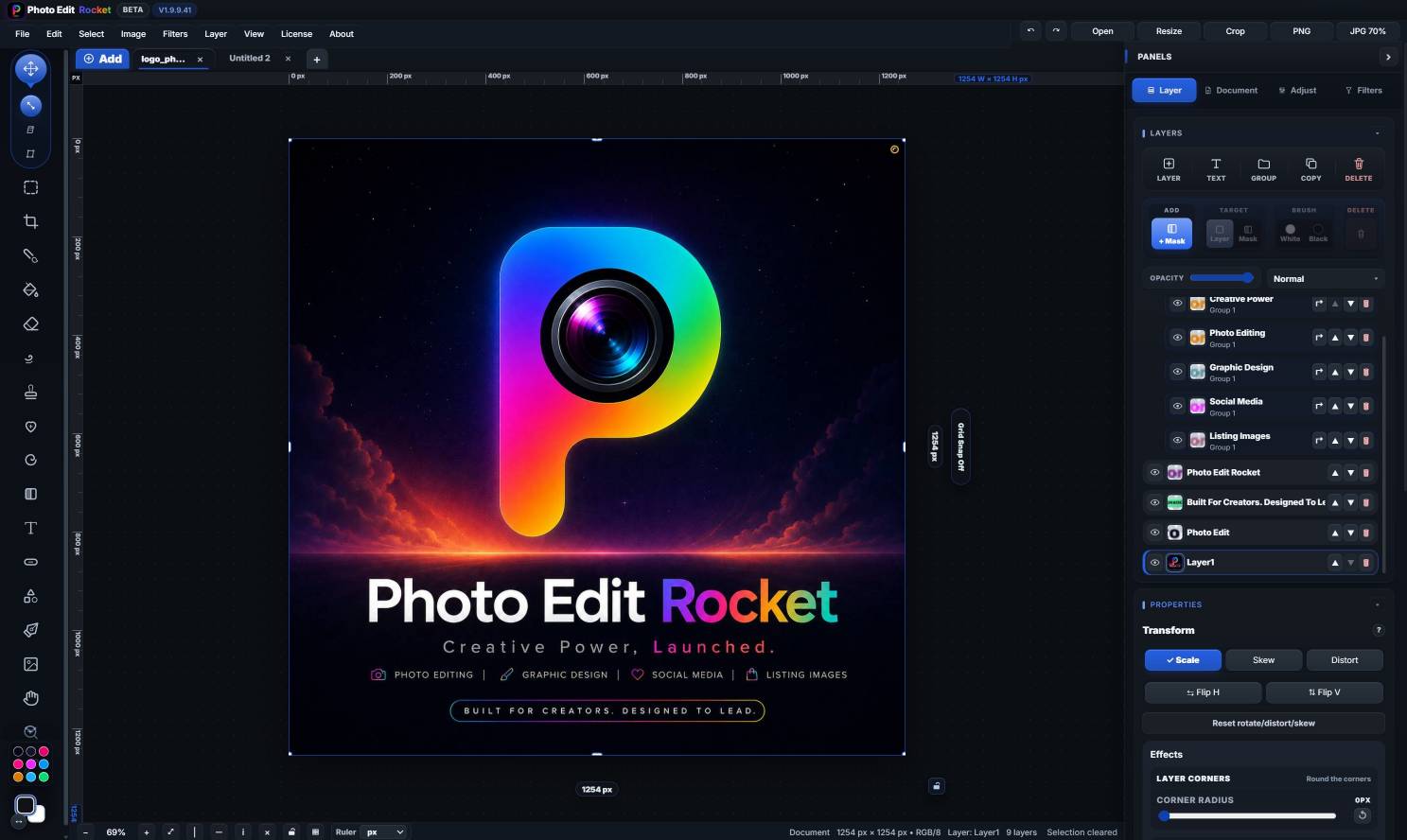
One-time payment of $19.99 — no subscription. Price in USD and includes any applicable VAT or sales tax — nothing is added at checkout. EU/UK consumers have a statutory 14-day right of withdrawal — our 30-day money-back guarantee goes further. By continuing to checkout you agree to our Terms and License.
FAQ
Image editors for graphic designers — FAQ
What is the best image editor for graphic designers?
For layer-based design — composition, type, shapes, masking — without a subscription, PhotoEditRocket is a strong, affordable choice. For dedicated vector logo/illustration work, a vector app may complement it; many designers use a raster and a vector tool together.
Does it have layers, type and vector shapes?
Yes. PhotoEditRocket supports real layers and blend modes, layer and vector masks, editable type and scalable vector shapes.
Is there a free version?
Yes. Try the full editor free in your browser, with clean, watermark-free exports. The one-time $19.99 download adds the offline, install-free desktop app — no subscription.
Is it good for print/CMYK pre-press?
PhotoEditRocket focuses on layered RGB design and screen output. For specialized CMYK pre-press you may still want a dedicated print tool — test your workflow in the free editor first.
Comparison disclaimer: The rankings and comparisons on this page reflect our own opinion based on publicly available information at the time of writing, and are provided for general guidance only. Competitor products, pricing and features change frequently — please verify current details on each company's official website. PhotoEditRocket is an independent product and is not affiliated with, endorsed by, or sponsored by any of the companies or products mentioned. All product names, logos and trademarks are the property of their respective owners and are referenced here for identification and comparison purposes only (nominative fair use).